
Br66 App — mobile-optimized interface with full platform access
The br66 app puts slots, Live Casino, instant Pix, and account management right on your phone screen — fast, lightweight, and optimized for Brazilian connections.
Br66 App — mobile-optimized interface with full platform access
Full platform access right on your phone screen, no need to open a computer
Over 500 slot machines available in the app, with high-resolution graphics and fast loading even on 4G.
Tables with real dealers streamed live — roulette, blackjack, baccarat, and more, right on your phone.
Transfer via Pix directly in the app and your balance drops in seconds, ready to play with no waiting.
Request withdrawals through the app at any time. VIP members receive priority processing with reduced turnaround.
Receive alerts for exclusive promotions, reload bonuses, and tournaments without having to visit the site manually.
Manage your balance, betting history, responsible gaming limits, and account details directly in the app.
Fingerprint and Face ID support to access your account securely and conveniently — without typing your password every time.
Track your VIP level, accumulated points, and exclusive benefits directly through the app.
Live chat built into the app to get help, resolve payment issues, or report any situation.
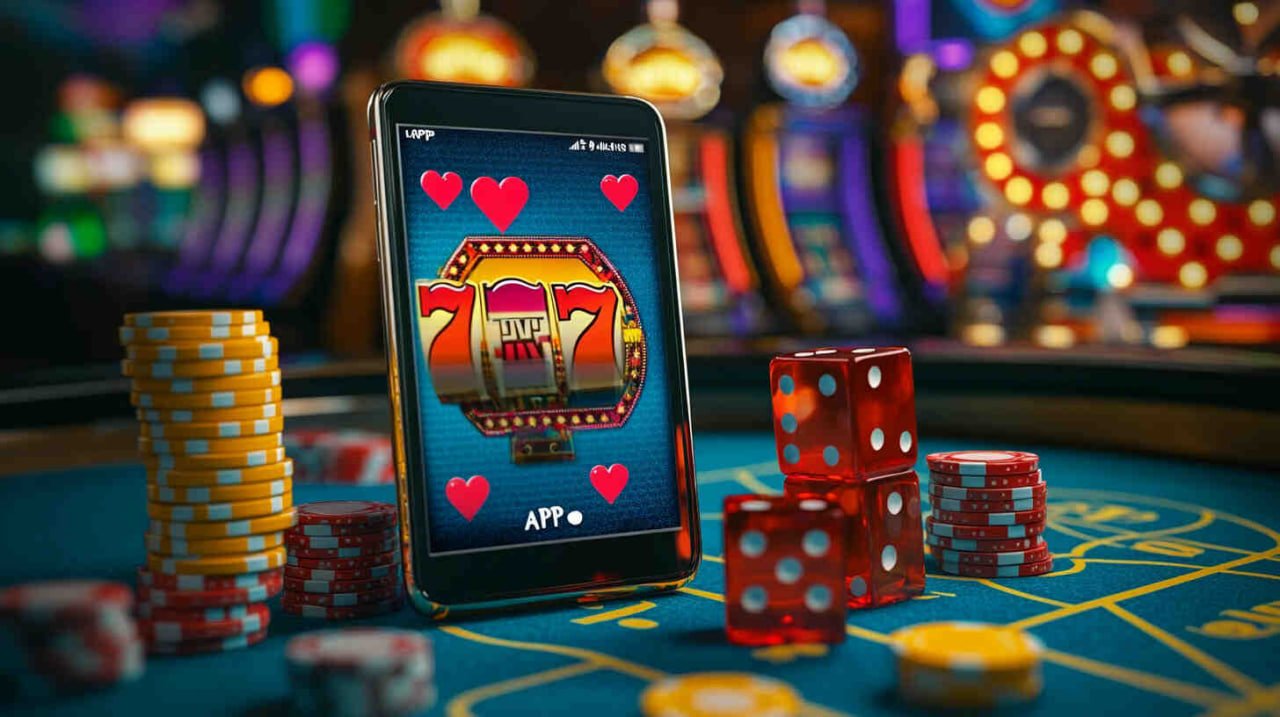
Br66 app interface — intuitive navigation with quick access to games and payments
A different experience, designed for mobile players
Playing through a mobile browser works fine, but the br66 app was built specifically for mobile use — and that makes a difference in daily use. Navigation is smoother, games load faster, and you have immediate access to the features you use most without having to dig through menus.
For those who use Pix as their primary deposit method, the in-app integration is especially convenient: the QR Code appears directly on screen, you open your banking app, scan it, and the balance is available before you even close your banking app. No copying and pasting codes or opening another browser.
The app loads games in fewer steps than the browser — less time waiting, more time playing.
The br66 dark theme integrates with your phone's system settings — comfortable to use day or night.
The app automatically reconnects in the event of a signal drop, without losing the session state or the wagered balance.
The process is simple — it takes less than 3 minutes from start to your first game
On your Android, open your browser and go to the Download from br66. The APK installation link will be available there.
Since the APK comes directly from br66, Android will ask for permission to install from outside the Google Play Store. Go to Settings → Security → Unknown sources and enable it for your browser.
Tap the download button, wait for the file to download, and open the APK. Confirm the installation when prompted by Android.
After installation, the br66 icon appears on your home screen. Tap it to sign in to your account or create a new one directly through the app.
| Operating system | Android 7.0 or higher |
| APK Size | Approximately 45 MB |
| Minimum RAM | 2 GB |
| Free storage | 100 MB recommended |
| Recommended connection | 4G or Wi-Fi |
| Update | Automatic via in-app notification |
| Biometrics | Fingerprint supported |
On iOS, the recommended method is to add br66 as a Web App via Safari. Other browsers such as Chrome do not support this feature on iPhone.
Enter the br66 address in the Safari bar and wait for the site to fully load before continuing.
In Safari, tap the share icon (square with an upward arrow) in the bottom bar. Scroll through the options and select "Add to Home Screen".
Name the shortcut "BR66" and tap "Add". The icon will appear on your home screen like a native app — tap it to open directly without going through Safari.
| Operating system | IOS 14 or higher |
| Recommended browser | Safari |
| Installation | Web App (PWA) via Safari |
| Storage | Minimum — cached data |
| Recommended connection | 4G / 5G or Wi-Fi |
| Update | Automatic when opening the app |
| Biometrics | Face ID and Touch ID supported |
For casual players, the browser works just fine. But if you use br66 frequently, the app's advantages become clear in everyday use.
| Feature | Br66 App | Browser |
|---|---|---|
| Loading speed | ||
| Biometric login (fingerprint/Face ID) | ||
| Push notifications | ||
| Access to all games | ||
| Pix deposit | ||
| Automatic reconnection | ||
| Home screen shortcut | ||
| Integrated live chat support |

The br66 app on Android — full access with performance superior to the browser
Brazil is one of the countries with the highest smartphone usage in the world, and the reality for online players here is that virtually everything happens on mobile. Whether on a work break, commuting, or relaxing at home on the couch, access happens through the phone. br66 understands this, and the app was developed with that reality as the starting point — not as an adaptation of a desktop version, but as an experience built from the ground up for mobile.
This shows up in practical details: buttons are larger and easier to tap with your thumb, menus are organized for vertical scrolling, the numeric keypad appears automatically in amount fields, and Pix confirmation is built in so you never have to leave the app to copy and paste a code elsewhere. These are design choices that make a real difference when you use the app every day.
A common issue with mobile casino apps is that they work great on high-speed Wi-Fi but freeze, disconnect, or lose quality on everyday 4G. br66 has optimized the app specifically for real-world connection conditions — accounting for signal variations across carriers and regions.
Slots load with compressed assets that reduce data usage without compromising visual quality. Live Casino streams use automatic bitrate adjustment — if the signal drops, image quality decreases slightly but the connection stays stable without interruption. When the signal returns to normal, quality rises automatically. You keep playing without needing to reload the page or losing your session state.
Pix revolutionized the way Brazilians make payments, and br66 has integrated this method as a priority in the app. The deposit flow has been simplified to the maximum: you enter the amount, the app generates the QR Code and the copy-and-paste code on the same screen, you confirm in your banking app, and the balance appears in your account within seconds.
No fees, no waiting, available 24 hours a day including holidays. For those used to deposits that took hours or required manual verification, the Pix experience at br66 is a significant change. You decide to play and, in less than a minute, you're already playing — no intermediaries, no hassle.
In addition to Pix, the app also supports boleto bancário and credit and debit cards for those who prefer these methods. Go to the Deposit to view the limits and conditions for each payment method.
Requesting a withdrawal through the br66 app is as straightforward as making a deposit. Go to the finance section, select withdrawal, enter the Pix key registered to your CPF, and confirm the amount. Processing follows the platform's standard timeframe, with higher VIP tier members receiving priority in the queue.
To track the status of a requested withdrawal, the app displays the transaction history in real time. You can see whether the transfer is under review, approved, or completed without needing to contact support — everything transparent and accessible at your fingertips. Learn more about timelines and methods on the Withdrawal.
Using a casino app on your phone raises a legitimate question: how are my account and money protected? br66 uses multiple layers of security to ensure only you can access your account through the app.
The app also lets you set deposit limits and activate gaming breaks directly from your account panel — features of the Responsible Gaming accessible with two taps, without needing to go to your computer.
One of the most common concerns for those who want to play Live Casino on mobile is streaming quality. Tables with real dealers require real-time video streaming, and any lag or connection drop compromises the experience — especially in games where timing matters, such as live blackjack.
The br66 app has been specifically optimized for Live Casino streaming. The broadcast uses adaptive encoding that automatically adjusts video quality based on your connection speed, without interrupting gameplay. On Wi-Fi or 5G, quality is equivalent to the desktop version. On average 4G, the image may be slightly less sharp, but the game runs without freezing.
To access all available tables, including exclusive ones with higher limits for VIP members, go to the Live Casino directly through the app.
On Android, when a new APK version is available, the app displays a notification on launch prompting you to update. The download happens directly within the app, with no need to return to the br66 website. Updates typically include new games, performance improvements, and fixes — it is recommended to always keep the latest version installed.
On iPhone, since access is through a Web App (PWA), updates happen automatically in the background — every time you open the app with an internet connection, it checks for and applies the latest changes with no action required on your part.
The br66 VIP dashboard is fully available in the app. You can track your current level, points accumulated from recent bets, and unlocked benefits in real time. When a new level is reached, the app sends a notification and the benefits are activated automatically.
Members at the highest levels of the VIP program have access to dedicated chat support within the app, with priority response and no queue. To explore all the benefits of each level, visit the VIP.
Br66 on your smartphone — slots, Live Casino, and Pix all in one app
We've compiled the most frequently asked questions from users considering installing the br66 app for the first time.
Everything you need to know about the br66 app